Video Editing Course in Jodhpur Certificate & Practical Training
Start your creative journey with the best video editing course in Jodhpur designed for editors. Learn professional storytelling, transitions, color correction, sound design, and complete editing workflow using industry-standard tools like Adobe Photoshop, Premiere Pro, DaVinci Resolve, Adobe Audition, and AI-powered editing techniques, with expert guidance. This program also includes free filmmaking training to help you understand real production, shooting, and creative direction along with editing skills.
This course includes studio practice, real project editing, portfolio development, and a recognized certificate to help you build a career in filmmaking, YouTube content creation, social media editing, and freelance video production.

how does this Video Editing Course
learn
Upskill yourself by gaining insights from leading professionals’ vast experience.
practice
Sharpen your skills by learning through course assignments, live projects, and regular assessments
and quizzes
ask
Resolve your queries from industry experts with our dedicated one-to-one doubt-clearing sessions.
buid
Craft a diverse portfolio and appealing resume, and optimize Linkedin to showcase your data analyt-
ics skills.
curriculum of Video Editing Course in Jodhpur
A detailed overview of the course, including key topics, objectives, and module sequence.
key highlight
what you will learn
- Adobe Photoshop
- Premiere Pro
- DaVinci Resolve
- Audition
- All about the welcome screen
- Move and Artboard tool
- All about layer panel
- Brush tool
- Crop tool
- Clone stamp tool
- Healing tool
- Content-aware fill
- Eraser tool
- Blur, Sharpen, Smudge tool
- Layer Mask
- Black and White Color
- History Panel and History Brush
- Clipping mask
- Dodge, Burn and Sponge tool
- Gradient and Patterns
- Blending options/layer styles
- How to make layer styles
- Vanishing point filter and blend
- Useful websites
- Perspective warp
- Face aware liquify
- Puppet warp
- Align layers
- Remove matte from layer
- Stroke on path
- Anti-aliasing
- Fill layers
- Vector Shapes, Vector smart object
- Raster smart object
- How to save files and export jpeg/png
- How to extract hair with select and mask
- Color channels
- Differences between RGB & CMYK
- Adjustments Sharpen an image
- Change color of any object
- Convert day scene to night
- Gradient map
- Make your own lookup tables
- Custom brushes
- Make professional actions
- Play actions on 100s of images
- Design poster
- How to blur background
- Portrait development and skin retouch
- Shadows in Photoshop
- Double exposures
- Color balance to match the tone of images
- Alpha channel in Photoshop
- Video Resolution
- Frame Rate
- Bit Rates
- Upscaling and Downscaling
- Types of Video Angles
- Creating a Project
- Walking through the Layout
- Importing & Organizing Media
- Creating a Sequence
- Adding Clips
- Basic Video Editing
- Effect Control
- Tools and Shortcuts
- Keyboard Customizing
- Adjusting Clip Dimensions
- Effects Controller – Masking
- Basic Title and Graphic
- Animating Basic Title
- Import Title Elements
- How to Save Custom Animation
- Custom Transition
- Transition Templates Importing
- Difference Between CC and CG
- HUE, SATURATION, and LUMA
- Adjusting Audio with Sliders
- Sound Design
- Simple Cut
- Jump Cut
- J/L Cut
- Fade In Fade Out
- Passing Transition
- Basic Exporting
- How to Export Screenshots
- Regular Speed Settings
- Default Transition & Effect Control
- Dolly Zoom Effect
- Glitch Effect
- Trailer Cut
- Interface and Workspace
- Media Import and Project Setup
- Cutting and Timeline Editing
- Basic Transitions
- Text Titles
- Audio Basics
- Color Correction Basics
- Primary Color Wheels
- White Balance and Skin Tone
- Contrast and Saturation
- Using Nodes
- Applying LUTs
- Color Matching Between Clips
- Cinematic Look Creation
- Final Export Settings
- Understanding Audio Editing
- Workflow
- Audition Interface
- Mono
- Stereo
- MP3, WAV, AAC
- Importing Audio Files
- Cut, Copy, & Paste Audio
- Audio Cleanup Tools
- Noise Removal
- Amplitude & Compression
- Filter & EQ
- Time & Pitch
- Audio Mixing & Adding Voice Over
- Adding Music & Sound FX
- Exporting to Premiere Pro
- Final Delivery
Be in the spotlight by getting certified!
A detailed overview of the course, including key topics, objectives, and module sequence.
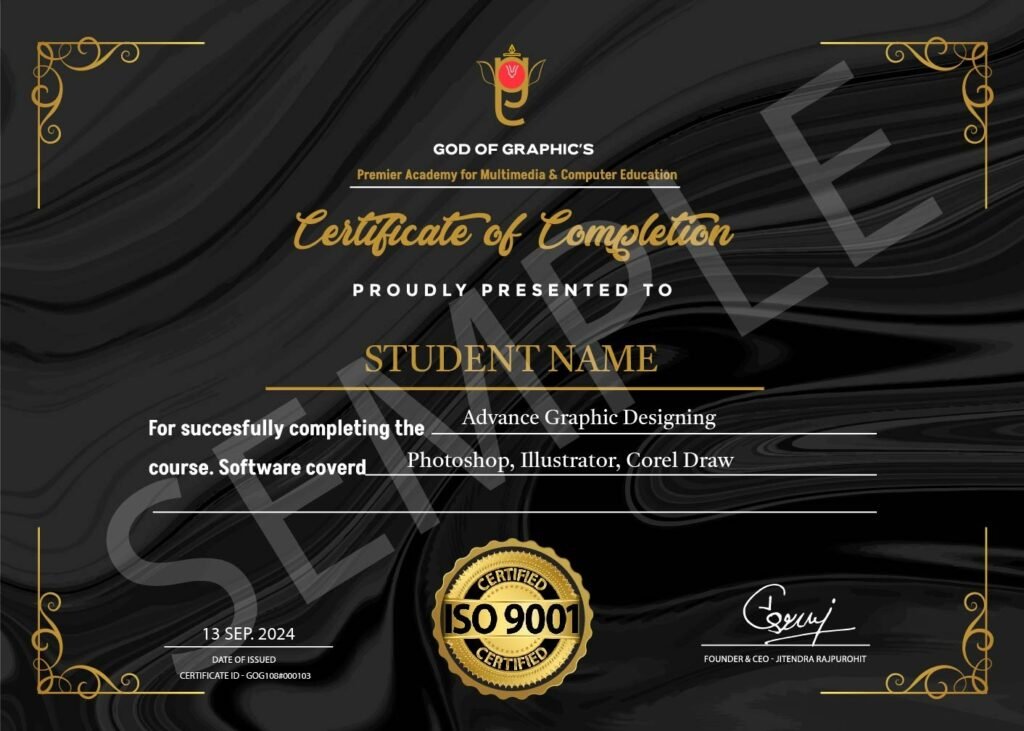
Industry-Recognized Certificate
Earn a certificate valued by top companies.
Stand Out in Job Market
Fortify Your Profile to Increase Credibility
Your Passport to Career Growth
Access Well-Paying positions
A Video Editing Course teaches you how to turn raw footage into engaging videos using professional software like Adobe Premiere Pro or Final Cut Pro. Whether you're a beginner or aspiring editor, you'll learn essential skills like cutting, transitions, effects, and color grading. Perfect for content creators, filmmakers, and social media enthusiasts, a Video Editing Course helps you create high-quality videos and boost your career.
Anyone with a passion for storytelling and creativity can take a Video Editing Course! Whether you're a beginner, content creator, filmmaker, or social media marketer, learning video editing helps you craft engaging visuals, boost career opportunities, and enhance digital content. No prior experience? No problem! Start from the basics and level up with hands-on practice.
Students learn professional tools like Adobe Premiere Pro, DaVinci Resolve, Photoshop, Adobe Audition, and AI-based editing techniques along with complete editing workflow and color grading fundamentals.
The duration of a Video Editing Course depends on the course level and your learning pace:
✅ Beginner Courses: 2-4 weeks (Basic editing, transitions, and effects)
✅ Intermediate Courses: 1-3 months (Advanced techniques, color grading, motion graphics)
✅ Professional Certification: 3-6 months (Industry-level skills, project-based learning)
After completion, students can work as video editors, YouTube editors, reel creators, motion graphics artists, or freelance editors, and can join production houses, digital marketing agencies, and media studios in Jodhpur or work independently.
The cost of a Video Editing Course in India depends on the platform, course content, and certification. Here’s a quick breakdown:
✅ Free Courses – Available on YouTube & blogs (Basic learning, no certificate).
✅ Affordable Courses (₹500 – ₹5,000) – Udemy, Skillshare, Coursera (Self-paced with certificates).
✅ Professional Courses (₹10,000 – ₹50,000) – Institutes like Arena Animation, MAAC, and other academies (Hands-on training & industry certification).
✅ Diploma & Degree Programs (₹50,000 – ₹2,00,000+) – Offered by universities & film schools (Advanced training & career opportunities).
This course offers practical training with industry-standard software, real project experience, studio exposure, and a recognized certificate to help students build strong careers in video editing and media production in Jodhpur.